phong starting day
Print
Created by: Phong Le
Modified on: Fri, 21 Aug, 2026 at 3:06 PM
- Phong has 3 important links on how home page
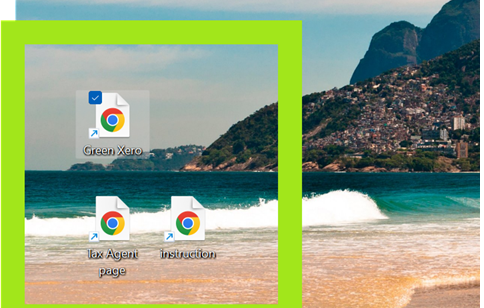
- Go to TT to ask what she needs you to do
- go to chris if you have no job
how to open green xero
- Click on Green xero icon.
- Make sure on the right hand side it said Phong
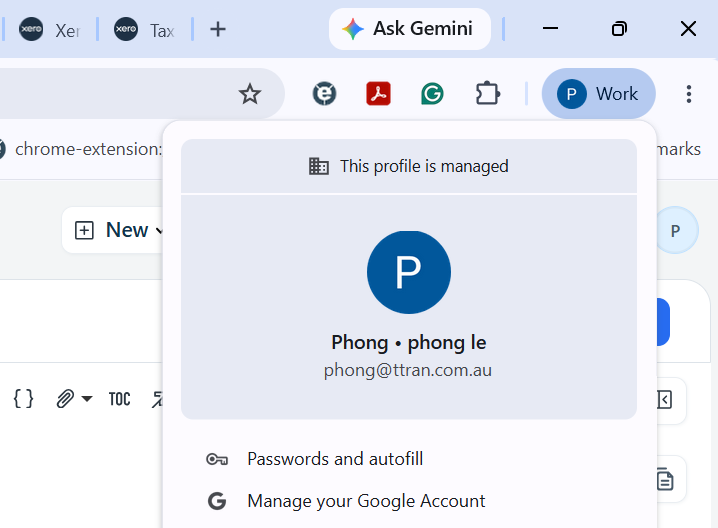
- when its phong, it already remembers your password
- it may sometime ask you to put in your 6 digit code
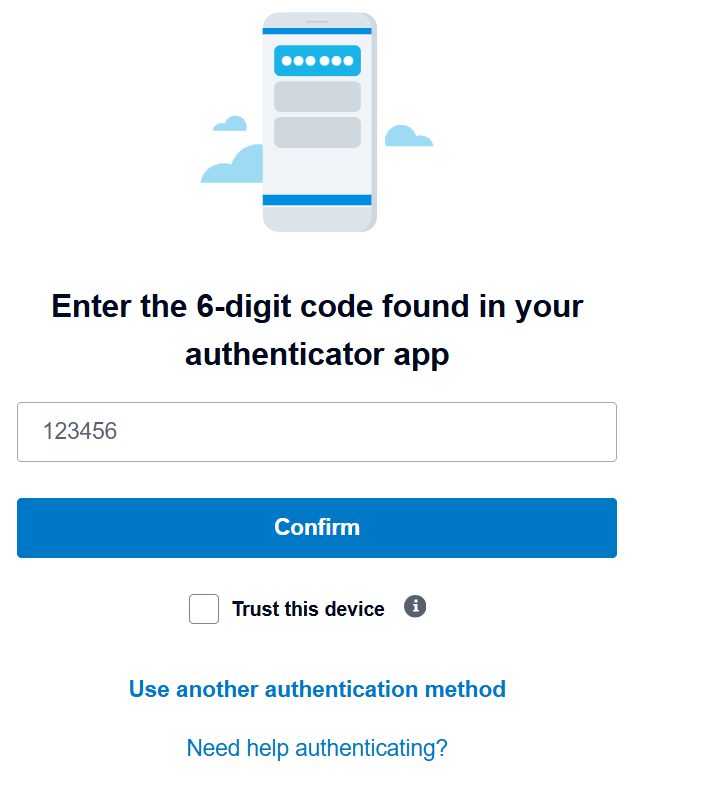
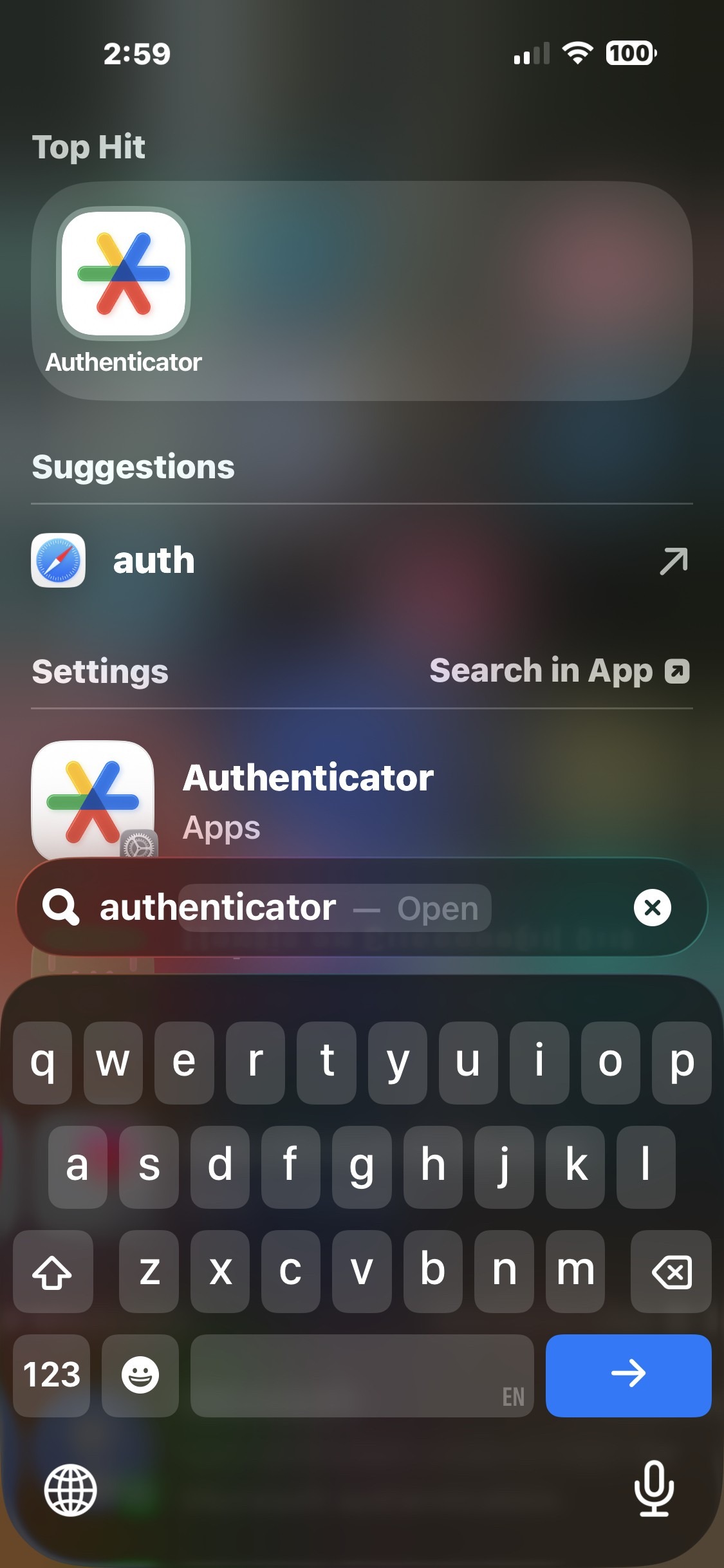
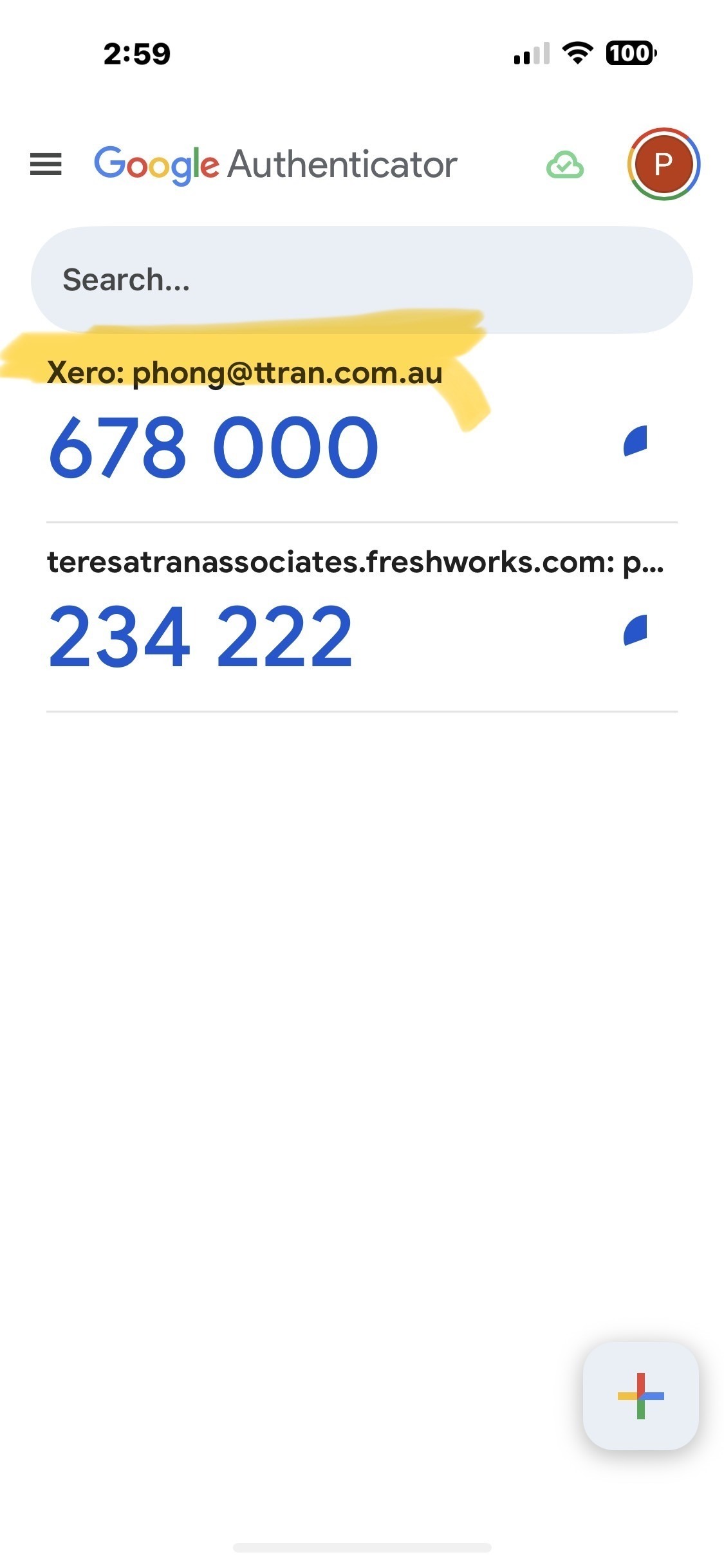
- you are to go on to YOUR PHONE PHONG (cannot use other phone) > swipe down to search app > look for AUTHENTICATOR (image below) > put in the 6 digit code from xero at the time (it expires after 1 minute)
- once you are logged into green xero > go here:
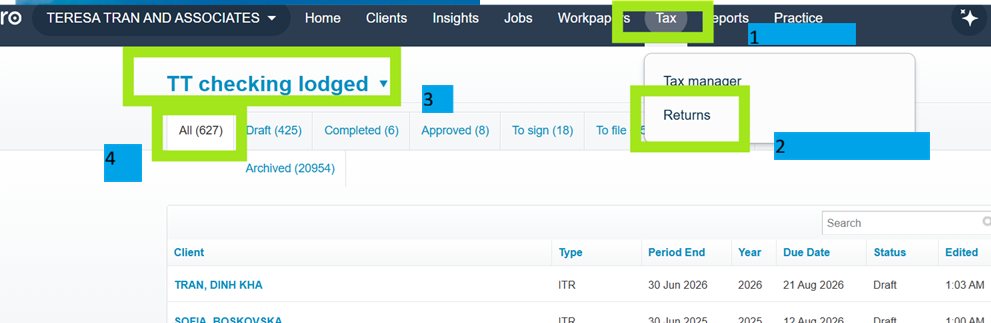
- open to phong instruction pages and do according to procedure
Phong is the author of this solution article.
Did you find it helpful?
Yes
No
Send feedback Sorry we couldn't be helpful. Help us improve this article with your feedback.