
https://teresatranassociates.freshdesk.com/a/tickets/202562
If you use an iPhone and sending multiple images/photos to us via gmail, it will look like this
- you went to the PHOTO app
- selecting many images then select

and then select the gmail app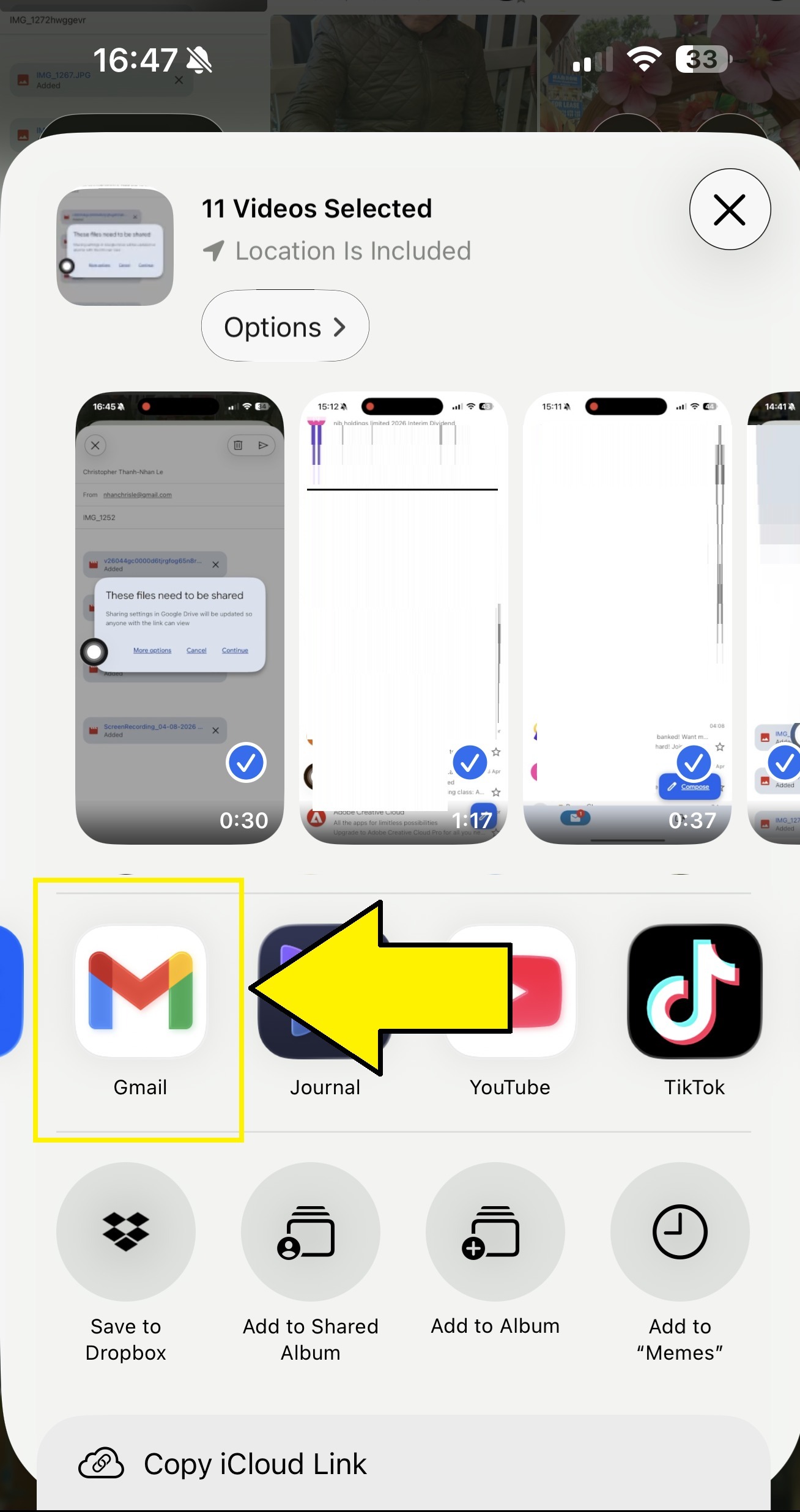
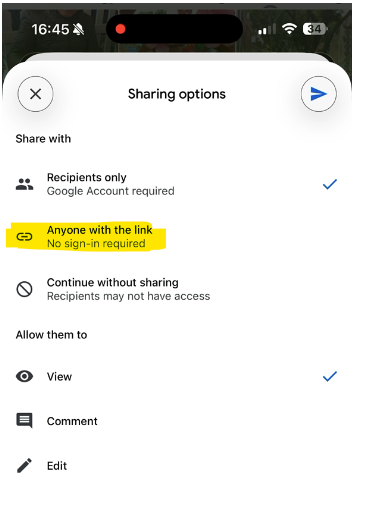
- then when you sent to us, you will see this notification
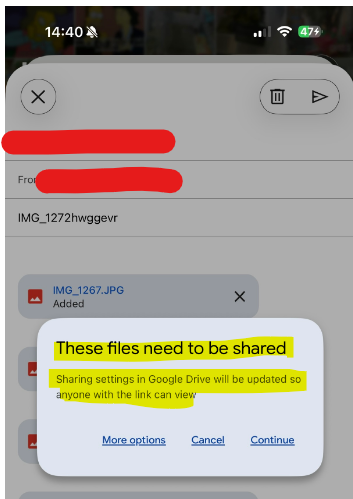
- select MORE OPTIONS
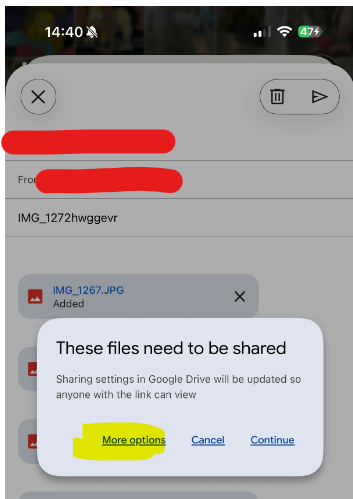
- and select ANYONE WITH THE LINK
Another interesting behaviour with gmail is if you open gmail > start a new email > attach images, it only allows a maximum of 5. Hence going through the photo app to select share is faster for some people